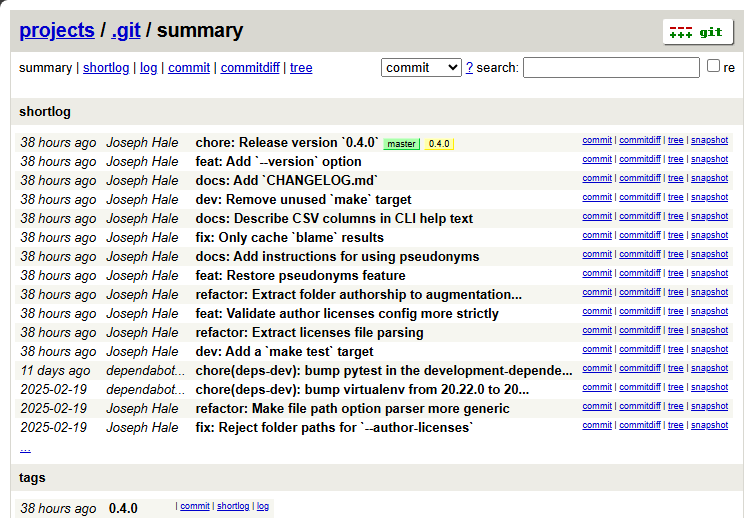
Today I learned that Git ships with a built-in web interface for a code repository. Here’s how to set it up!
- Open a terminal
- Navigate to a Git repository on your computer
- Start the instaweb server1 with
git instaweb --local --httpd=webrick - Open a web browser to
localhost:1234to explore your git repository.
And that’s it!
I thought it was really neat to see how smooth the setup was. I’ve previously seen these types of Git repositories hosted online (e.g. the RSS reader TTRSS), so it was fun to learn how those work behind the scenes.